
Share article
Enterprise subscription fees are hard to justify when your team still rebuilds product links by hand after every catalog update. That is the reality many teams face on Fastr, the platform formerly known as Zmags, where the promise of seamless shoppable content often collides with integration gaps and slow product data syncs. If you are searching for a Zmags alternative, you are likely already past that breaking point.
Not every tool among the best Zmags alternatives solves the same problem. Some prioritize interactive design, others focus on catalog-to-storefront connectivity, and a few handle both without pulling your developers into the process. This guide covers what each platform does well, so your team can make the switch with clarity.
Why Teams Start Looking Beyond Zmags
Zmags, now rebranded as Fastr Frontend, was built to give marketing teams publishing independence without developer involvement. That works at a certain scale. Past it, the platform becomes a constraint rather than an advantage, and teams start weighing Zmags competitors more seriously.
These are the specific pressures driving that shift:
- Need for Greater Flexibility and Speed: E-commerce teams need to move fast. When campaign volume grows and pages get more complex, Zmags’ architecture makes that speed harder to maintain consistently.
- Performance Constraints: No-code builders aren’t built for high-traffic storefronts. Page load times slow down as complexity increases, and slower pages mean fewer conversions.
- Migration to Headless Commerce: Teams moving to composable stacks with tools like Commercetools, Alokai, or Contentstack need a frontend that fits that setup. A standalone visual builder doesn’t, so it tends to be one of the first tools replaced.
- Limitations of No-code Tools: Custom functionality, personalization, and advanced data handling are areas where Zmags falls short. Teams end up pulling developers in anyway, which removes the main reason they adopted a no-code tool in the first place.
What Teams Are Actually Looking for in a Zmags Alternative
Most teams evaluating a Zmags alternative aren’t just reacting to one problem. They’re carrying a mix of frustrations around mobile experience, pricing, performance, and workflow, and they want a platform that resolves all of them without trading one limitation for another.
1. Better Mobile and Responsive Experience
- True Responsiveness: Fixed-layout PDF flips that require pinch-and-zoom on mobile are a dealbreaker for most modern teams. The priority is layouts that adapt cleanly to any screen size without manual adjustment.
- Accessibility: Content should load natively in the browser without requiring file downloads or workarounds that add friction for the reader.
2. Cost-Effectiveness and Better ROI
- Lower Total Cost of Ownership: Enterprise-level pricing above $1,000 is pushing teams toward more cost-efficient options, particularly when the core use case is catalog and lookbook publishing.
- Direct Shoppable Integration: Teams want catalogs that connect directly to platforms like Shopify and drive revenue without paying a premium for that functionality.
3. Improved Performance and Analytics
- Faster Load Speeds: Slow-loading publications increase drop-off. Teams want digital experiences that load quickly regardless of page count or interactive element density.
- Actionable Insights: View counts aren’t enough. Teams want to know how long readers engage, which elements they interact with, and how that behavior ties to conversions.
4. Ease of Use and Content Creation
- No-code Editors: A drag-and-drop editor that lets marketing teams produce catalogs, magazines, and newsletters without developer involvement.
- Fast Content Production: The ability to convert a static PDF into an interactive publication quickly, without a complex production process.
- InDesign Integration: Designers need smooth import workflows so existing assets don’t require rebuilding from scratch.
5. Stronger SEO Capabilities
- Search Visibility: Many flipbook formats render text as images, making content invisible to search engines. Teams looking at platforms similar to Zmags are prioritizing publishers where text is indexed and discoverable organically.
Comparing Top Zmags Alternatives
| Platform | Pricing | Best For | Key Strengths | Key Limitations | E-commerce Integration | Analytics | Interactivity | Free Access |
| Publitas | From $29/mo | Retail/shoppable catalogs | Product feed sync, add-to-cart overlays; used by IKEA, Carrefour, Aldi | No design editor; limited non-retail use | Shopify, Magento, BigCommerce; shoppable hotspots | Page views, conversions, GA integration | Hotspots, video, rich media | 14-day trial |
| Ceros | ~$500/mo+ | Interactive brand experiences | Freeform canvas; microsites, lookbooks, infographics; Figma/Sketch import; real-time collaboration | Most expensive; no catalog/product feed support; steep learning curve | Embeddable CTAs and lead forms only | GA, Adobe Analytics, Marketo, HubSpot | Animations, scroll effects, hover, HTML5 | None |
| Joomag | $39–$149/mo | Recurring digital publications | Built-in email, CRM, 300+ templates; Salesforce/HubSpot integration; branded app publishing | E-commerce via links only; publication limits; reported billing issues | External product links only | Heatmaps, demographics, click-through, email analytics | Video, surveys, chatbots, 3D tours, lead forms | Limited free plan |
| Issuu | Free–$57/mo | Broad editorial distribution | 60M+ publications for organic discovery; repurposes docs into social clips | No shoppable features; analytics/lead capture locked to top tier; no human support | External embeds only | Page views, location, link clicks (full on Unlimited) | Clickable links, video embeds | Free (5 publications, watermarked) |
| Flipsnack | $14–$169/mo | Branded catalog creation | 2,000+ templates; Google Sheets product sync; AI-assisted design; team collaboration | Checkout exports PDF quote, not live cart; images blur on zoom; key features locked to higher tiers | Google Sheets sync; PDF quote export | Page views, leads, shopping list saves, team reporting | Video, animation, AI design, lead forms | 14-day trial (features restricted) |
What Switching to the Right Platform Actually Changes
A well-chosen Zmags alternative goes beyond fixing the problem that started the conversation. It changes how the team operates, how content performs, and what the marketing function can realistically own without engineering support.
Speed and Performance
Modern catalog platforms load faster and handle mobile traffic more cleanly than older rich media tools. Pages render without the lag or zoom-dependent interactions that characterize fixed-layout formats. For high-traffic storefronts, that difference shows up directly in engagement and drop-off rates.
Operational Agility
The bigger shift is internal. When marketing teams can update pricing, swap products, or publish new campaigns without raising a developer ticket, the time between decision and execution shrinks significantly. That’s not a marginal improvement, it changes what’s operationally possible within a given week.
SEO and Analytics Visibility
Older interactive publication formats often render text as images, making content invisible to search engines. If you switch to a platform that publishes indexable text, the catalog content can rank organically. Paired with native Google Analytics integration, teams get a clearer picture of how readers move through content and where conversions happen.
Integration With the Existing Stack
The best Zmags alternatives connect directly to platforms like Shopify and Magento rather than sitting outside the commerce stack. That means product data stays current, shoppable links stay accurate, and the catalog functions as a live sales channel rather than a static asset.
Cost Structure
Zmags Creator pricing can run upward of $500 per month, with enterprise tiers going significantly higher. If you switch to a more purpose-built or integrated solution, it will reduce licensing costs while covering the same core use cases. For teams already rationalizing SaaS spend, that saving alone often justifies the migration.
Detailed Breakdown of the Best Zmags Alternatives
When teams begin evaluating Zmags competitors, the options fall into a few distinct categories, retail-focused catalog platforms, high-end interactive content tools, and general-purpose digital publishing solutions. Here’s how the leading options compare:
1. Publitas
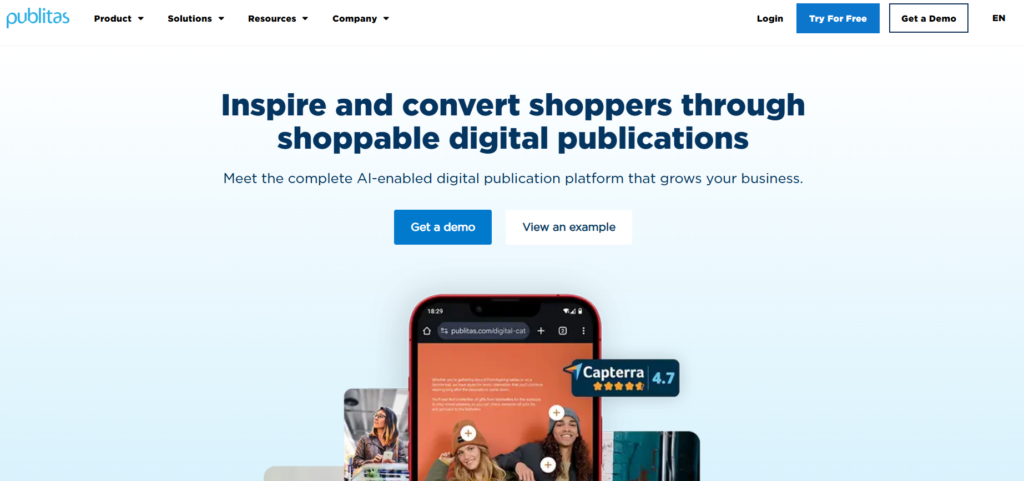
Publitas is built specifically for retail catalog publishing. It converts PDFs into fast-loading, shoppable digital catalogs and connects directly to product feeds to keep content current without manual updates. Over 2,000 retailers use the platform, and its MACH Alliance membership signals a commitment to composable, integration-ready architecture.
Pros:
- Fast load performance on both mobile and desktop
- Native integrations with Shopify and Magento
- Dynamic publications auto-generated from product feeds
- Product overlays let shoppers view details without leaving the catalog
- Built-in SEO support with indexable text content
- Pricing starts at $34/month with a 14-day free trial
Cons:
- Page-turning format may feel limited for non-retail content types
- Advanced editing options are narrower compared to design-first platforms
Best for: Retail, e-commerce, and grocery brands publishing product catalogs at scale.
2. Ceros
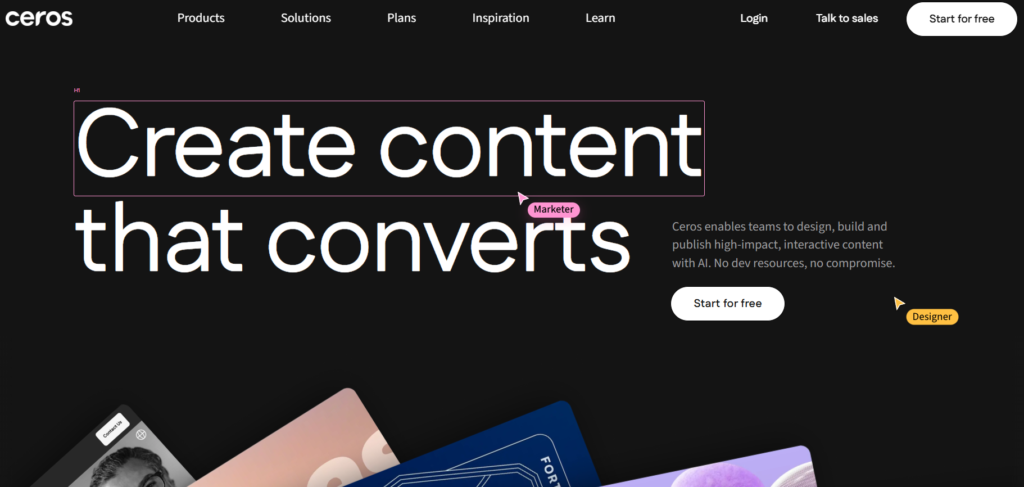
Ceros is a no-code platform for building high-end interactive content such as microsites, digital reports, and campaign landing pages. It gives design teams significant creative control without requiring development resources. That said, it’s positioned for brand storytelling rather than product catalog publishing.
Pros:
- High degree of creative freedom with animation and interaction tools
- Real-time collaboration for design teams
- Integrates with HubSpot, Marketo, and Google Analytics
Cons:
- Steep learning curve for new users
- No native e-commerce or shoppable catalog functionality
- Pricing starts at approximately $36,000/year, making it one of the most expensive options in this category
- Mobile responsiveness has been flagged as a recurring limitation by users
- Heavy interactions can slow browser performance
Best for: Marketing and design teams producing brand content, digital reports, and campaign experiences.
3. Flipsnack
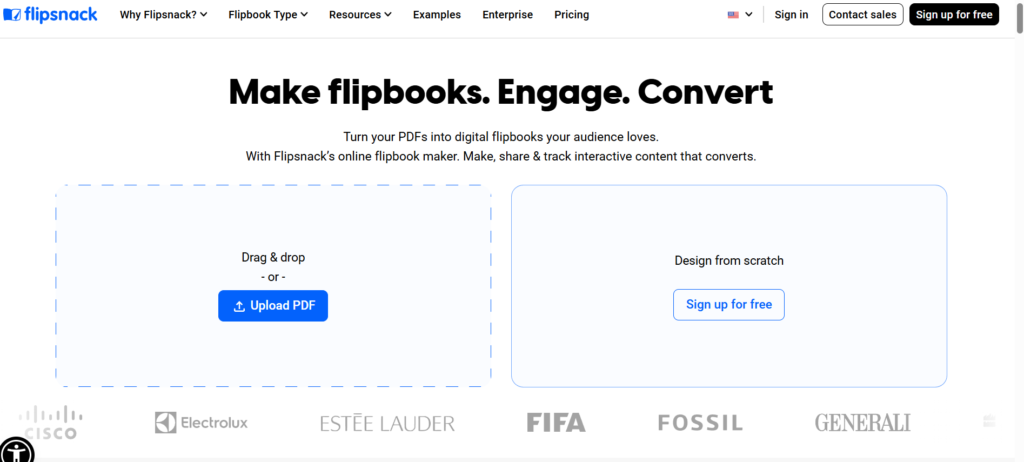
Flipsnack is a versatile digital publishing tool that covers catalogs, brochures, magazines, and internal documents. Its drag-and-drop editor and transparent pricing make it accessible for small-to-mid-sized teams. It supports interactive elements, including videos, shopping buttons, and embedded forms.
Pros:
- User-friendly interface with a short learning curve
- Supports both PDF uploads and building from scratch
- Paid plans start at $16/month on annual billing
- Strong customer support ratings on G2
Cons:
- The free plan is heavily restricted
- Analytics depth is limited compared to dedicated retail platforms
- Advanced features require higher-tier plans, which some users find expensive relative to output
Best for: Small and mid-sized businesses publishing marketing materials, catalogs, and internal communications.
4. Joomag
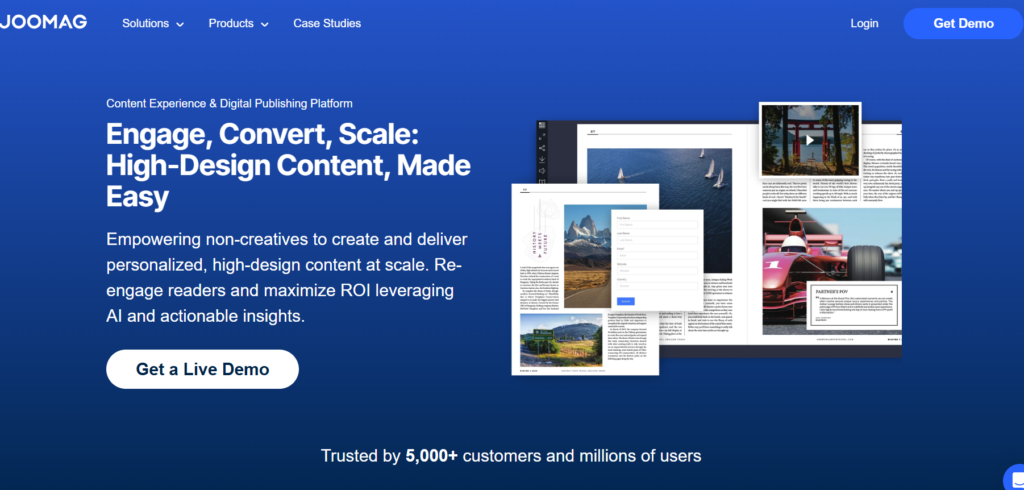
Joomag functions as a content experience platform rather than a straight flipbook tool. It adds CRM integrations, behavioral analytics, content gating, and monetization features on top of standard digital publishing capabilities. The trade-off is pricing that sits well above most alternatives.
Pros:
- Deep reader-level analytics and behavioral tracking
- CRM integrations with Salesforce and HubSpot
- Built-in monetization tools, including paywalls and subscriptions
- Branded mobile apps for Android and iOS
Cons:
- Opaque, contact-us pricing model with no self-serve tiers
- Publication limits on lower plans
Best for: Publishers and media companies that need content monetization and deep audience analytics.
5. Issuu
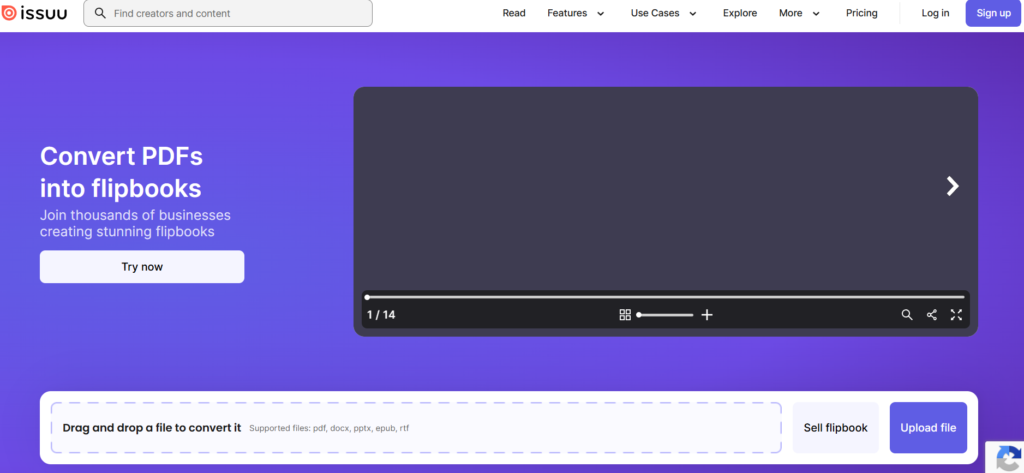
Issuu is one of the most widely used digital publishing platforms, with a large built-in content network that gives publications additional distribution reach. It’s primarily a content-sharing and discovery platform rather than a shoppable commerce tool.
Pros:
- A large distribution network increases content visibility
- Easy embedding on external websites
- Strong PDF conversion quality
Cons:
- Free version includes Issuu branding and ads
- Branding customization is limited compared to Flipsnack or Publitas
- Not built for shoppable or product-driven catalog experiences
- Analytics are less detailed than retail-focused platforms
Best for: Content publishers, educators, and media brands prioritizing distribution over commerce.
Why Publitas Is Often the Natural Next Step for Zmags Users
Most teams doing a serious Zmags vs alternatives evaluation land on Publitas fairly quickly. Both platforms serve retail publishing, but the gap in execution is significant. Publitas holds a 9.27% market share in catalog management compared to Zmags’ 0.26%. That difference reflects what the platform actually delivers for commerce-focused teams.
Superior performance and speed
- Faster Load Times: Publitas is built with page performance as a baseline requirement, not an afterthought. Slow-loading publications are one of the most frequently cited frustrations with Zmags, and Publitas directly addresses this.
- Mobile-first Experience: Catalogs render cleanly across smartphones, tablets, and desktops without requiring zoom adjustments or layout workarounds, matching how shoppers actually browse today.
Deep e-commerce and product feed integration
- Automatic SKU Tagging: Publitas reads XML or TSV product data feeds and tags products within the catalog automatically. Teams that previously spent hours on manual tagging reclaim that time entirely.
- Direct-to-cart Functionality: Shoppers can add products to a basket without leaving the catalog. Zmags leans toward general interactive experiences; Publitas is built around the path from product discovery to purchase.
Scalability and automation
- Dynamic Templates: Product data, pricing, and promotions populate automatically from a connected feed. When inventory or pricing changes, the catalog updates without requiring a manual rebuild.
- Enterprise Management: Multiple brands, languages, and user roles can be managed from a single account, giving larger organizations the control they need without adding operational complexity.
Better analytics and measurable ROI
- Detailed Insights: Publitas provides analytics dashboards with GA4 support, covering catalog opens, page views, product clicks, and interaction data at a granular level.
- Conversion Optimization: Reader behavior data shows where shoppers slow down or drop off, giving teams specific signals to act on rather than aggregate numbers that don’t inform decisions.
Cost-effectiveness
- Better Value at Scale: Publitas offers a lower cost per catalog interaction compared to enterprise-tier platforms like Zmags. For teams managing high publication volumes, that difference compounds meaningfully over time.
Making the Switch: What to Expect in the First 30 – 60 Days
Publitas is designed to make the move from Zmags low-friction. Teams go from PDF upload to a live, branded catalog in days. For anyone evaluating Zmags vs alternatives, the first 60 days follow a clear path from setup to a fully operational sales channel.
Week 1 – 2: Setup and Initial Catalog Creation
- Convert and Brand: Upload PDFs to Publitas and apply your logo, colors, and typography. Your first flipbook is ready faster than most teams expect.
- Add Hotspots: Tag products with shoppable links that connect directly to your e-commerce store.
- Configure SEO: Set custom metadata and URLs per catalog, an area where many Zmags competitors offer little to no control.
- Embed On-site: Place the catalog on a landing page or within your site navigation for immediate shopper access.
Week 3 – 4: Launch and Optimize
- Go Live: Publish and verify the mobile experience.
- Review Engagement: Identify high-attention pages and drop-off points using Publitas analytics.
- Refine Hotspots: Reposition underperforming tags based on early click data.
- Distribute: Push the catalog link across email and social, then track which channels return qualified traffic.
Month 2: Scale and Iterate
By month two, the catalog becomes a repeatable sales channel, not a one-off publishing task. Automate workflows for new launches, build audience-segmented variations, and use 30-day click-through data to restructure future publications. Teams that reach this stage consistently report lower production overhead and measurable revenue attribution from catalog traffic.
Conclusion
The platform you publish on shapes more than how your catalogs look. It shapes how fast your team moves, how well your products get discovered, and whether your catalog actually closes sales or just displays them. At some point, the gap between what you need and what a legacy tool offers stops being a minor friction and starts costing you real ground.
That is the moment Publitas tends to make the most sense. Retail teams across 70+ countries already use it to run leaner, publish faster, and tie catalog performance directly to revenue. If you are ready to see what that looks like for your operation, start your 14-day free trial today, no credit card required.
FAQ
Why do companies switch from Zmags to alternatives?
Zmags Publicator starts at $5,000 per year, which strains budgets for teams that need catalog publishing without enterprise-level spend. Publishing updates often requires developer involvement, which slows down time-sensitive campaigns. When Zmags competitors offer self-serve publishing at lower price points, switching becomes an easy call.
What should I look for in a Zmags alternative?
You should prioritize mobile load speed, shoppable links that connect directly to product pages, and page-level engagement analytics. Look for an interface your marketing team can operate without IT support. These four criteria cover most of what teams find missing in Zmags.
Are flipbooks still effective for ecommerce?
Yes, particularly for product-heavy categories like apparel, furniture, and home goods where shoppers benefit from browsing in a curated format. Interactive digital catalogs with embedded product tags and shoppable links give shoppers a direct path to your store. The format works best when it is connected to live product inventory rather than treated as a standalone design asset.
How long does it take to migrate from Zmags to another platform?
If you have a smaller catalog, libraries typically migrate within a few days using built-in import tools. Larger operations with extensive archives and embedded catalog links can take several weeks, with most of that time spent validating shoppable links and confirming mobile performance before launch.
Is Publitas better than Zmags for ecommerce use cases?
Publitas connects directly to your product feed, loads fast on mobile, and gives shoppers a clear path from discovery to purchase. That focus makes it a more purposeful tool for ecommerce teams than a general-purpose content platform. For retailers prioritizing catalog-driven conversions, Publitas is the best Zmags alternative.
Enjoyed this article?
Get the next one straight to your inbox.